Method 2: Via cPanel (Password & Security section)
If you're already within cPanel and want to reset your cPanel password, you can do so through cPanel's Password & Security section.
To reset your password within cPanel:
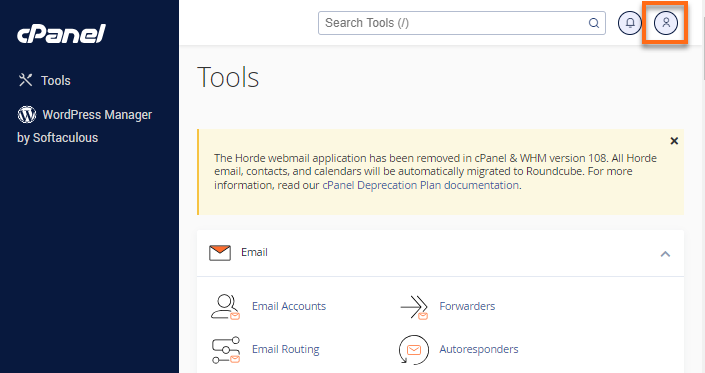
- Click the User Menu icon located in the top-right corner of cPanel.
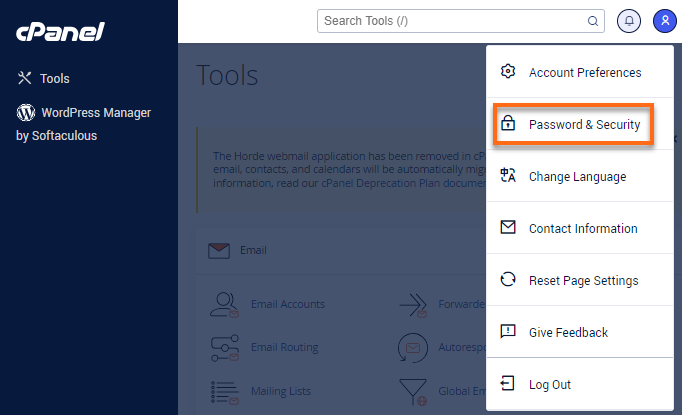
- Select Password & Security from the options.
- Enter your old cPanel password.
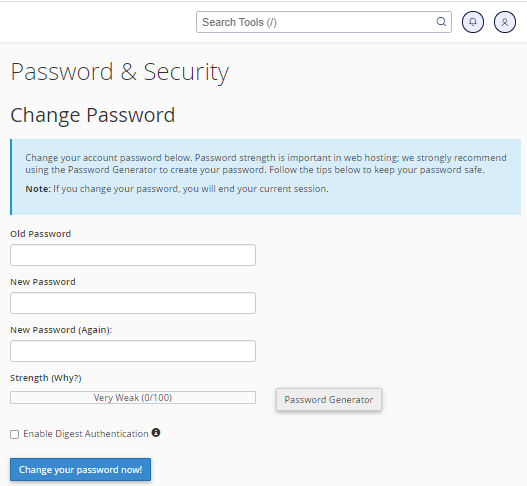
- Enter your new password twice. You may also use the Password Generator feature to create a secure password.
- Once done, click the Change your password now! button.
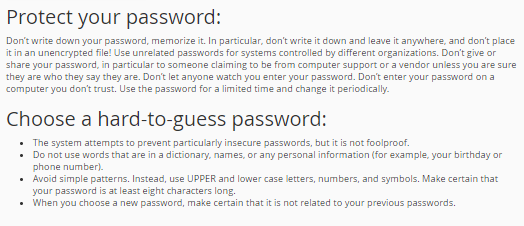
- Tips for creating secure passwords are also seen in this section.